When you need help with an online casino account, a clear route to support matters. UK players looking for Snatch Casino assistance may have questions about registration, verification, deposits, withdrawals, bonuses or safer gambling. The best contact method depends on the issue and on the options currently shown on the casino’s official website. This guide explains how to find those options, what to include in a message and how to protect your information while seeking help.
Start with the official website
Use the website address you already trust or find Snatch Casino through a reliable source. Check the spelling of the domain before signing in: search adverts, social posts and messages can lead to imitation sites. Once there, look for links labelled “Contact”, “Help”, “Support” or “Responsible Gambling”. These are commonly placed in the header or footer, or within your account area.
Contact methods can change, and availability may depend on whether you are logged in. If a live-chat button appears, it may be the quickest way to ask a straightforward question. If the site offers email or a contact form, those options are often more suitable when you need to describe a complicated issue or attach supporting information. Do not assume a phone line or a particular response time is available unless the official site explicitly confirms it.
Choose the right channel for your question
Live chat for quick queries
Live chat can be useful for questions about navigating the site, checking the status of a request or finding the correct account section. Before starting, write down the main point you need resolved. Ask the agent for a reference number if the conversation concerns a payment, account restriction or complaint. Save the transcript or take a note of the date, time and advice given.
If you cannot see chat, check whether you need to sign in or whether the service is temporarily unavailable. Avoid repeatedly opening new chats for the same matter; that can make it harder to follow the history. Instead, explain that you are following up and provide any earlier reference number.
Email or a contact form for detailed cases
Email or a web form is generally more practical when you need to provide a timeline, explain several connected events or submit documents requested by the operator. Keep the message concise and factual. Include your account username or registered email only when the form is on the verified official site, and describe the issue without sending unnecessary personal details.
Never send your password, full card number, card security code, banking login, one-time passcode or cryptocurrency recovery phrase. A legitimate support agent should not need these secrets. If identity checks are required, follow the secure upload instructions available through the official account or website rather than replying to an unexpected message with sensitive files.
Prepare before contacting support
A well-prepared enquiry can reduce back-and-forth. Note what happened, when it happened and what outcome you are requesting. For a deposit or withdrawal query, record the amount, date, payment method and transaction reference where available. For a technical problem, mention your device, browser or app version, and the steps that led to the error. Do not include another person’s financial or account information.
- Use the email address associated with your account, if you are contacting support by email.
- Describe one main issue per message, using a clear subject line.
- Include relevant dates, amounts and reference numbers, but mask unrelated sensitive details.
- Keep copies of messages and screenshots that do not expose passwords or payment credentials.
- Ask what action is needed next and whether there is a case or complaint reference.
For example, a useful subject line might be “Withdrawal query — request submitted on 6 October”. In the message, state the date and amount, explain what the account page currently shows and ask for an update. Avoid sending multiple messages in a short period unless circumstances have changed or the casino has asked for more information.
Common reasons UK players get in touch
Account access and verification
If you cannot sign in, use the password-reset option on the official website. Check that your browser has not autofilled an old password and that you are using the email address registered to the account. If the account is locked or verification is pending, ask support which steps remain. Do not create a second account to get around a restriction; duplicate accounts can complicate checks and may breach the operator’s rules.
Verification requests should be handled through the secure process specified by the casino. Read the instructions carefully, including accepted document types and image requirements. If you are unsure whether a request is genuine, do not click links in an unsolicited email or message. Navigate to the official site independently and contact support from there.
Deposits, withdrawals and bonuses
Payment processing times can vary by method, bank and any required checks. First review the cashier page and the terms that applied when you made the transaction. If a payment appears missing or a withdrawal is delayed beyond the stated timeframe, contact support with the transaction details and ask whether further information is needed.
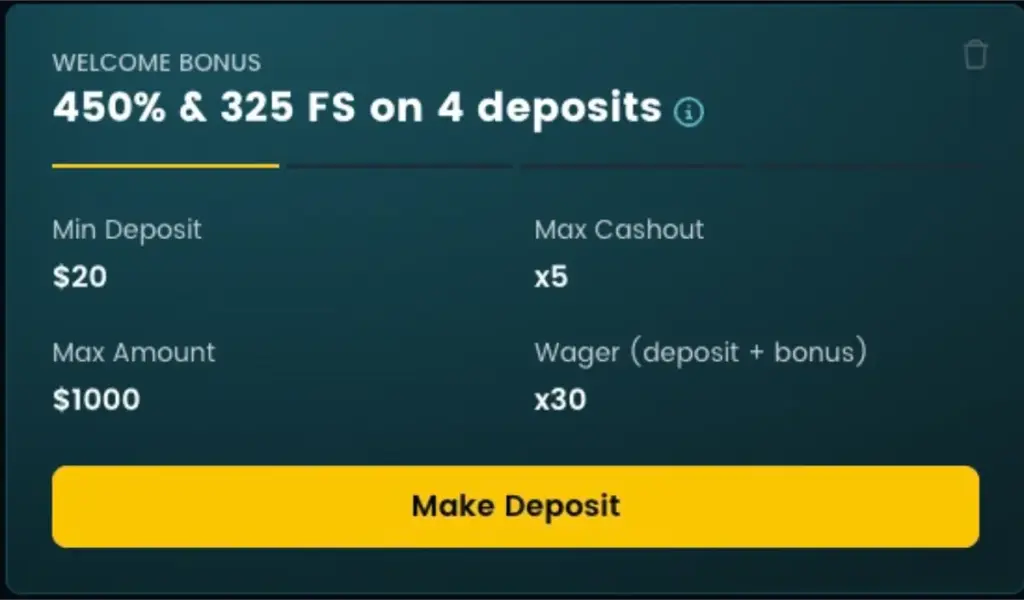
For a bonus query, identify the offer and the date you accepted it. Ask for clarification about eligibility, wagering requirements, game contribution or expiry rather than assuming that every game counts equally. Keep a copy of the relevant terms where possible. A support response can explain the operator’s position, but it does not replace the written promotional rules.
Account access and security
If you suspect someone else has used your account, contact support promptly through a verified channel. Change your password using the official reset process, secure the email account linked to the casino and check recent account activity. If payment details may have been exposed, contact your bank or payment provider as well. Support should be given the facts needed to investigate, but never disclose one-time codes or remote access to your device.
Players sometimes search for “snatch casino online account access” when they have been locked out or cannot complete a login. Use only the account recovery options provided by the official website. Avoid third-party “recovery” services, social-media accounts claiming they can unlock profiles, or anyone requesting an upfront fee. Such offers may be scams and can put both personal details and funds at risk.
Safer gambling and account controls
Contact the casino’s responsible-gambling team if you want information about deposit limits, time-outs, self-exclusion or other available controls. The precise tools and steps should be confirmed on the official site. If gambling is causing distress or financial difficulty, consider taking a break and seeking independent support in the UK. Do not rely on a promotional or general customer-service conversation when you need help putting a restriction in place; state clearly that your request concerns safer gambling and ask for confirmation once it has been applied.
If you are already self-excluded, do not try to open another account or use someone else’s details. Ask the operator to explain the status of the restriction and the appropriate process. Keeping a written record of your request can be useful if you later need to follow up.
How to make a formal complaint
If ordinary support has not resolved the issue, look for Snatch Casino’s complaints procedure and terms on its official website. Submit the complaint through the stated channel and set out the relevant events in order. Include previous case numbers, the response you received and the resolution you are seeking. Stay factual and retain copies of all correspondence.
Ask the operator to confirm receipt and explain the next steps, including any applicable timescales. If the final response does not resolve the matter, consult the casino’s published terms for information about its complaints escalation route and any dispute-resolution arrangements. The relevant process can depend on the operator and its licensing status, so verify details rather than relying on general advice or an unofficial directory.
Frequently asked questions
Is there a Snatch Casino telephone number for UK players?
Use only a phone number displayed on the casino’s verified official website. If no number is listed, do not treat a number found in an advertisement or social post as genuine. Use the contact channels the site itself provides.
What should I do if I have not received a reply?
Check your spam folder and confirm that your message was sent successfully. Allow for the timeframe stated by the operator, then follow up in the original thread with your case number. If you have an urgent account-security concern, use another verified contact route listed on the website.
Can I contact support before creating an account?
If the website makes a public contact option available, you can use it for general questions. Do not provide identity documents or payment details unless you are using a verified, secure process and the operator has explained why they are required.
Quick contact checklist
- Open the verified Snatch Casino website directly.
- Choose the listed support channel that fits the issue.
- Prepare dates, relevant transaction references and a clear description.
- Never share passwords, security codes or full payment credentials.
- Save the reply and reference number, and follow the published complaints process if needed.
For UK players, the safest approach is straightforward: use contact details published on the official site, keep a written record and share only the information needed to investigate your enquiry. Whether the issue concerns access, payments, a promotion or account controls, a concise message and a verified channel make it easier to get a useful response while protecting your account.